Helium Hotspot Customer Help: Troubleshooting Guide for 2026
Most hotspot problems come from five places: power, network, antenna, location and the onboarding app. This page covers helium hotspot customer help in a practical order, so you can test the cheapest causes first and avoid unnecessary replacements.
It is an independent information page. It does not sell or ship anything, and it cannot see your device. What it can do is walk you through the checks that solve most cases.
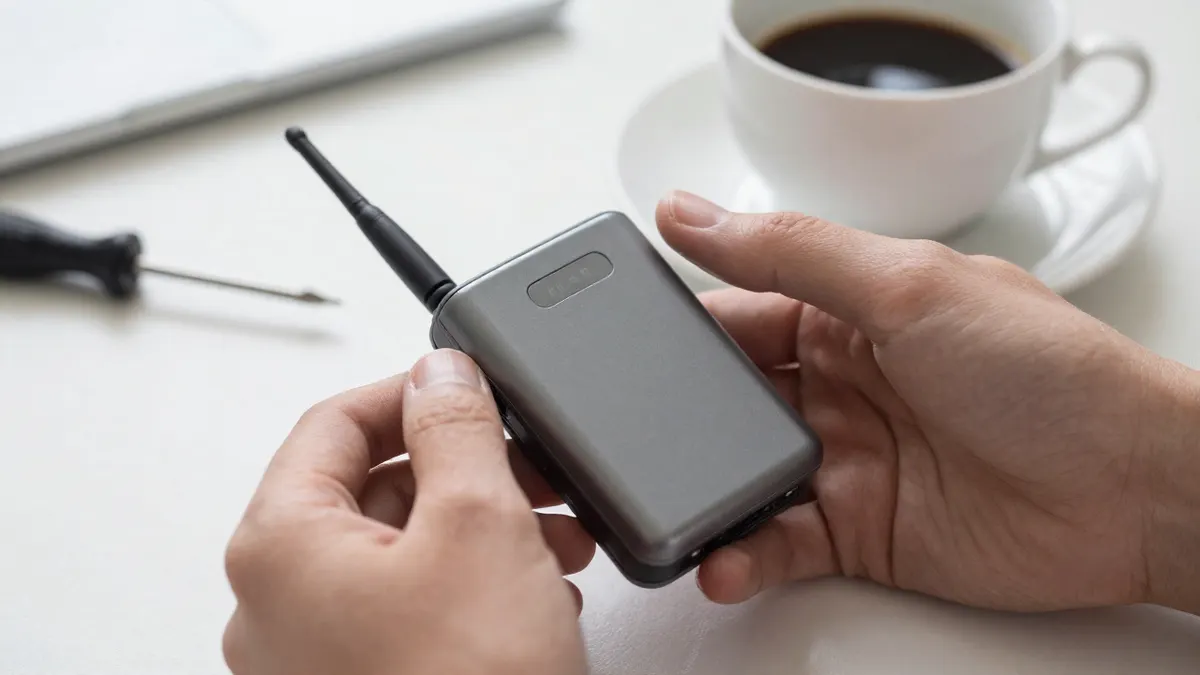
Helium hotspot customer help: start with the basics
Before touching settings, look at the LEDs. A solid or slowly pulsing light usually means the miner has power and is booting. A blinking red light often points to a network or firmware fault.
Give a cold start up to 15 minutes. Many LoRaWAN hotspots take that long to boot, find the internet and begin syncing, and unplugging them halfway only restarts the clock.
- Use the original power adapter, not a spare phone charger. Many miners need 12V or 5V at 2A or more.
- Swap the Ethernet cable for a known good one.
- Try a different port on the router.
- Reboot the router, wait two minutes, then reboot the miner.
Hotspot shows offline
An offline status in the app is not always a dead device. The dashboard can lag by 30 to 60 minutes, and a hotspot that is actually forwarding data may still look offline for a while.
Check your network first
Most home routers work fine, but some block unknown devices. Look in the router's connected devices list and confirm the miner has an IP address. If it does not, the cable or port is the likely culprit.
Avoid putting the miner behind a guest network or a strict firewall. Corporate and school networks are the worst offenders, since they often block the ports a hotspot needs.
Check the time and the firmware
Firmware updates download in the background and can take an hour on a slow line. A hotspot stuck on the same step for more than three hours deserves a power cycle, and after that a factory reset if the manufacturer's manual describes one.
Slow sync and missing rewards
A new hotspot can need anywhere from a few hours to two days to be fully recognised on the network. Witnessing and data transfer rewards do not start until then.
Earnings also depend on how many other devices sit nearby. In a dense city you may see small, steady amounts. In a rural area with no neighbours, the hotspot may have little traffic to carry at all, and that is normal, not a fault.
Check the coverage map for your area before concluding the unit is broken. If your hex shows no other gateways within 5 km, low activity is expected.
Weak signal and poor range
Placement matters more than any setting. A miner on a windowsill at 2 m can beat the same unit buried in a basement by a wide margin.
Typical indoor range is a few hundred metres in town and several kilometres in open country. Walls, metal roofing and trees cut that figure fast.
If the stock antenna is the limit, a better one on a mast changes things. Our guide on Which outdoor helium antenna to buy compares gain, size and mounting options so you pick one that suits your site rather than the highest number on the box.
Antenna and cable problems
Loose or mismatched connections cause more range complaints than faulty radios. Check that the antenna screws on fully and that the cable has no kinks, cracks or water inside the plug.
Never power the miner without an antenna attached. Transmitting into an open port can damage the radio.
Connector types vary, and adapters add signal loss, often 0.3 to 1 dB each. Read up on the Helium hotspot antenna connector types before ordering a cable or adapter from anyone, so you know whether you need an N-type, SMA or RP-SMA fitting.
- Keep cable runs short, ideally under 5 m.
- Seal outdoor joints with self-amalgamating tape.
- Add a lightning arrestor on any mast install.
Onboarding and app errors
Onboarding fails mostly because of Bluetooth. Stay within 2 m of the miner, switch Bluetooth on, and give the app location permission. Close other apps that may hold the connection.
If the app asks for a location assert, choose the exact spot where the hotspot will stay. Moving it later may cost a small fee, so decide before you confirm.
Update the app to the latest version first. Old builds are a frequent cause of stalled setup screens.
When to stop and ask for more help
Try one change at a time and wait at least an hour between tests. Otherwise you will never know what worked.
If the device has no lights at all after you have tested a different socket and adapter, it is probably hardware. The seller or manufacturer handles warranty claims, so keep your order number and purchase date ready. For questions about this site, use the HeliumHotShop contact page. For longer explainers on setup, rewards and equipment, the HeliumHotShop blog goes further than a help page can.
Frequently Asked Questions
How long does a new Helium hotspot take to start working?
Plan on 15 minutes for the first boot and up to 48 hours for full network recognition. Rewards usually begin only after that period.
Why does my hotspot keep going offline?
Weak Wi-Fi, a faulty cable and router restarts are the usual causes. A wired connection with a good cable is far more stable than wireless.
Can I move my hotspot to another room?
Yes, but a move to another address needs a new location assert, which can carry a small fee. Moving within the same room or floor does not.
Does a bigger antenna always improve range?
No. Higher gain narrows the vertical beam, so a 8 dBi antenna can do worse than a 3 dBi one in a hilly area or on a tall building. Match the antenna to your terrain.