Helium Hotspot EU868: Models, Frequency Rules and What to Expect in 2026
A Helium hotspot EU868 is a LoRaWAN gateway built for the 863 to 870 MHz band used across the European Union, the UK and several neighbouring countries. If the device is tuned to US915 or AU915, it will not be legal on European airwaves and it will not work properly with the local network. Check the region label on the box first, always.
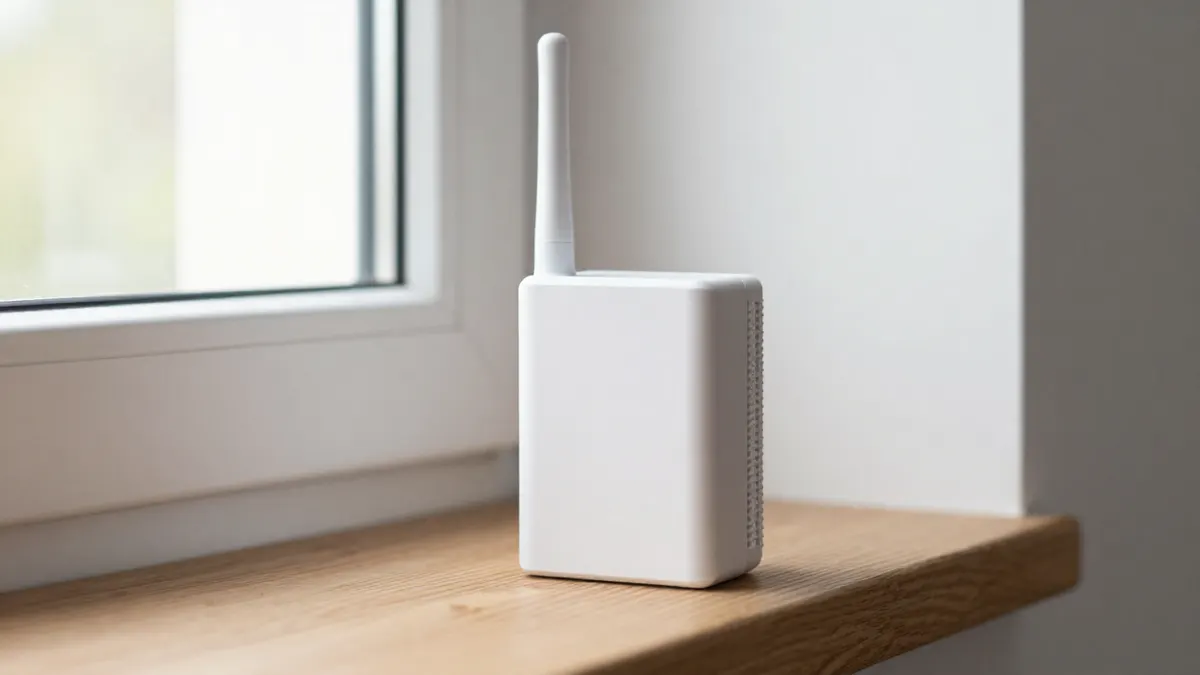
Most EU868 hotspots look alike from the outside: a plastic or aluminium case, an Ethernet port, a small antenna and a power adapter. The differences sit inside, in the processor, the memory, the concentrator chip and the software image.
What EU868 Actually Means
EU868 is a regional channel plan. It defines which frequencies a LoRa radio may use and how much power it may transmit. In most European countries the limit is 14 dBm for the main sub-bands, with some channels allowing up to 27 dBm. Duty cycle rules also apply, typically 1% for many channels, meaning a device can only transmit for a small share of each hour.
For a hotspot owner this changes little day to day. The firmware handles the limits. What matters is buying hardware that is sold for your region, because a unit flashed for another plan can break local rules and may not be accepted on the network at all.
Popular Indoor Models Compared
Indoor units dominate the EU868 range. They are quiet, cheap to run and easy to place near a window. Power draw usually sits between 5 and 10 watts, which works out to roughly 40 to 90 kWh per year.
The SenseCAP M1 indoor hotspot is one of the best known. It runs on a Raspberry Pi 4 based board with 8 GB of RAM in the current EU868 version, uses a Semtech SX1302 concentrator and has a simple web setup. It is a sensible pick for anyone who wants an easy first install.
The Panther X2 helium hotspot takes a different route. It has a faster processor, an external antenna connector on a more compact body and a design aimed at people who want to swap antennas later. Its software is also updated more frequently than many older models.
For a lower budget, the Heltec indoor helium hotspot is a common starting point. It is a small, light unit with a standard antenna and an Ethernet or Wi-Fi connection. Expect modest range and basic features, which is fine for a first device in a flat or small house.
The COTX X3 helium hotspot miner is a further option. It is sold in a V1.2 revision for EU868 and is usually discussed for its stable connectivity and straightforward setup. Check the revision number, since earlier versions had different hardware.
Quick Selection Criteria
- Region label reading EU868, printed on the unit and the box
- A concentrator chip from the SX1302 or SX1303 family
- At least 4 GB of RAM for current software builds
- A removable antenna connector if you plan an upgrade
Placement, Antennas and Real Range
Location matters more than the model. A hotspot on a high floor near a window will cover far more than the same device in a basement. In a dense city, expect an effective radius of around 300 to 800 metres. In open countryside, a well placed outdoor gateway can reach 5 to 10 km, sometimes more.
The stock antenna on most indoor units has a gain of about 2 to 3 dBi. Swapping to a 5 or 6 dBi outdoor antenna on a short, low loss cable can help noticeably, but a long cheap cable eats the gain. Keep the cable under 3 metres where possible.
Avoid placing the unit beside a router, metal shelving or a microwave. Interference from Wi-Fi equipment is a frequent cause of weak coverage.
Earnings: A Realistic View for 2026
Many buyers arrive expecting the returns seen during the early network years. That is no longer the case. Rewards are now tied mostly to real data transfer and coverage in areas with demand, and in many European cities earnings from a single indoor hotspot are small, often only a few dollars a month in network tokens, and sometimes close to nothing.
Treat a hotspot as a way to take part in a community network, or as a gateway for your own sensors, not as a reliable income stream. Hardware prices for EU868 units generally start at around 100 to 200 euros, and payback is uncertain.
Setup in Short
Most units follow the same path. Connect Ethernet and power, wait a few minutes for the LEDs to settle, then use the manufacturer app or web interface to register the device and set its location. Allow up to 24 hours for the first sync, because the hotspot has to download network data before it behaves normally.
If it stays offline, check the router for blocked ports, confirm the date and time are correct, and try a different Ethernet cable before assuming the hardware is faulty.
Frequently Asked Questions
Can I use a US915 hotspot in Europe?
No. US915 devices transmit on frequencies that are not allowed for general use in Europe and they will not join the local network correctly. Pick a unit labelled EU868 for any European installation.
Do I need an outdoor antenna?
Not at first. The stock antenna works for a window placement in a typical home. An outdoor antenna becomes worth the effort when you live in a rural area or want to cover several streets.
How much power does a hotspot use?
Most indoor models draw between 5 and 10 watts. Running one all year costs roughly 10 to 25 euros in electricity, depending on local tariffs.
Is a hotspot still worth running in 2026?
It depends on your goal. For passive income, the numbers are usually weak. For supporting local IoT coverage or connecting your own LoRaWAN sensors, it remains a practical and inexpensive option.