RJ45 Network Adaptor: Which Type Fits Your Setup
An RJ45 network adaptor is any small device that lets an Ethernet cable connect to something it would not normally plug into. That covers three quite different things: inline couplers that join two cables, USB or USB-C dongles that add a network port to a laptop, and port converters that change the wiring or the connector shape. Picking the wrong one is the most common mistake, so start by naming the problem you need to solve.
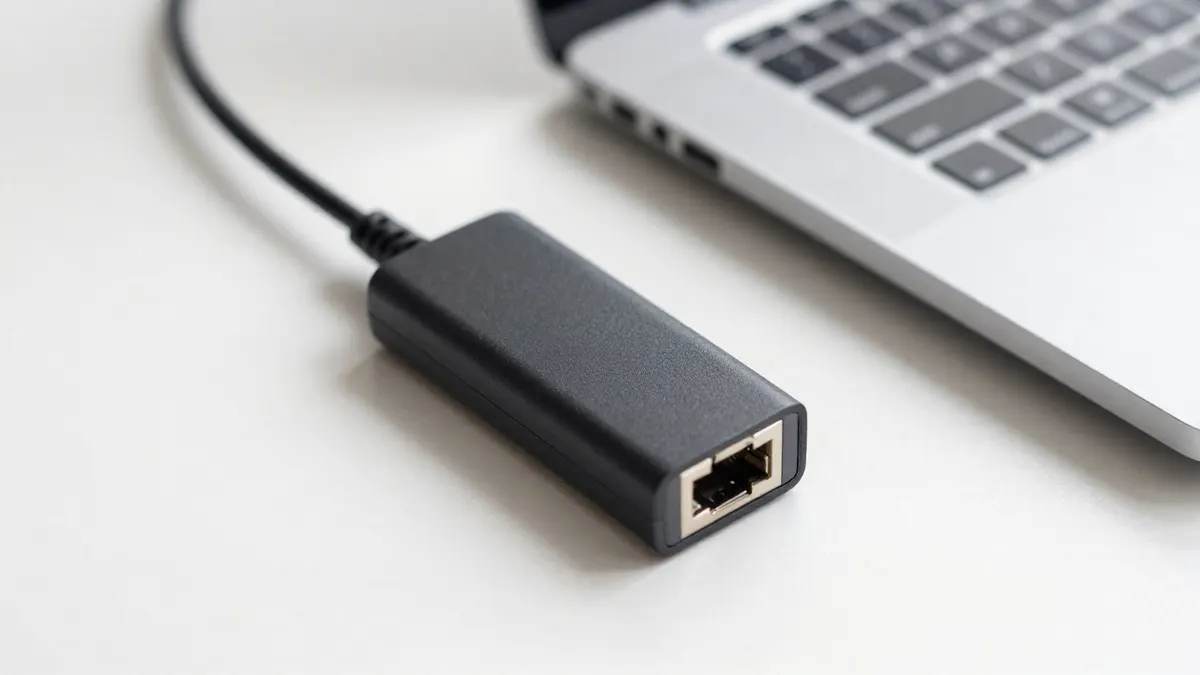
Types of RJ45 network adaptor
The three families look similar on a shelf but behave differently once plugged in.
- Inline coupler (female to female): joins two Ethernet cables end to end. Cost is roughly 1 to 3 EUR.
- USB or USB-C Ethernet adapter: adds a wired port to a device without one. Gigabit versions start around 10 EUR.
- Splitter or extender adapter: shares one cable between two devices, but only at 100 Mbps in most cases.
- Keystone or panel adapter: sits in a wall plate or patch panel for a tidy fixed connection.
For a LoRaWAN hotspot or any IoT gateway, the inline coupler is the one you will meet most often. Miners ask for little bandwidth, so even a basic 100 Mbps link is more than enough.
Speed and distance limits
An adapter never makes a link faster than the weakest part of the chain. A Gigabit adapter on a Cat5e run still gives 1 Gbps, but only if the cable, the coupler and both ports are rated for it. Cheap couplers without proper shielding or contact quality can drop a link to 100 Mbps, and that is easy to miss.
The standard limit for twisted pair Ethernet is 100 metres from the switch or router to the end device. Every coupler adds a small amount of signal loss, so a run that is already near 95 metres is better replaced with one continuous cable. A 100m Cat5e UTP cable is the usual choice for long runs to a rooftop or attic hotspot.
Cable pairing and wiring checks
Match the adapter category to the cable. A Cat6 coupler works fine with Cat5e, but a Cat5e coupler will cap a Cat6 run at Cat5e performance. For most home and hotspot installs, a Cat5e UTP cable is adequate and cheaper to pull through walls than thicker shielded types.
If an adapter fails to give a link light, test the cable before blaming the adapter. A simple continuity tester, around 8 to 15 EUR, shows broken pins in seconds. Bad crimps cause far more faults than faulty couplers. When you need to rebuild an end, a decent RJ45 crimping tool and a fresh RJ45 connector will fix it properly.
Using an adapter with a hotspot miner
Most LoRaWAN hotspots have one Ethernet port and draw little data, often under a few hundred megabytes per day. That makes a USB Ethernet adapter useful only in one situation: you are configuring the device from a laptop that lacks a port. For permanent use, a direct cable to the router is more stable than anything adapted.
Avoid stacking several adapters. One coupler in a run is fine. Two or three in a row multiply contact points, and intermittent drops are then very hard to trace.
Outdoor and weather considerations
Standard couplers are not waterproof. If the join sits outside, choose an IP67 rated coupler or place it inside a sealed junction box. Water in a plain coupler corrodes the contacts within a few months.
Frequently Asked Questions
Can I join two Ethernet cables with an RJ45 network adaptor?
Yes, an inline female to female coupler does exactly that. Keep the total length under 100 metres and use a coupler of the same category as your cable.
Does an RJ45 adaptor slow down my connection?
A good one has almost no effect. A poor quality coupler or an old Cat5 rated part can reduce the link to 100 Mbps, so check the rating printed on it.
Do I need an adapter to connect a laptop to a hotspot miner?
Only if the laptop has no Ethernet port. A USB-C Gigabit adapter costing around 10 to 20 EUR is enough for setup and diagnostics.
Is a Cat6 coupler better than a Cat5e one?
It is better for Cat6 or faster cable and harmless on Cat5e. For a miner using a few kilobits per second of real traffic, the difference is not noticeable.