RP-SMA to SMA Conversion Adaptor: Pinout, Loss and Setup
An RP-SMA female to SMA male adaptor joins two connectors that look almost identical but do not mate directly. One end has a reverse-polarity female socket (a pin inside, a female thread outside the shell logic reversed). The other end is a standard SMA male plug with an external thread and a center pin. Together they let you link an RP-SMA port to a standard SMA cable or antenna.
Typical length is around 2 to 3 cm. Brass bodies with gold plating are common, and insertion loss is usually below 0.2 dB at 868 MHz or 915 MHz.
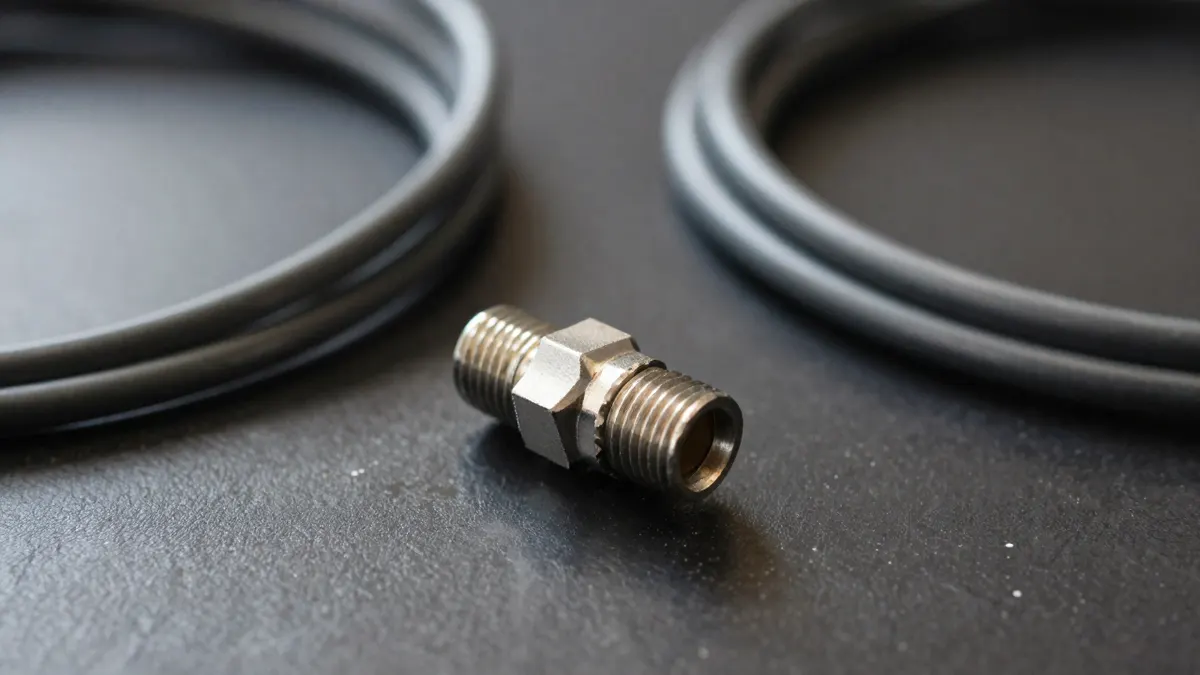
How RP-SMA and SMA Differ
The names confuse people because the gender of the thread and the gender of the center contact do not always match.
On a standard SMA male plug, you see a rotating nut with internal thread and a center pin. On an RP-SMA male plug, you see the same nut, but the center contact is a socket, not a pin. The female versions flip this: a standard SMA female has external thread and a socket, while an RP-SMA female has external thread and a pin.
So the thread alone tells you nothing. Look at the center contact.
- Pin in the middle with an internal-thread nut: standard SMA male
- Socket in the middle with an internal-thread nut: RP-SMA male
- Pin in the middle of an externally threaded body: RP-SMA female
- Socket in the middle of an externally threaded body: standard SMA female
When This Adaptor Makes Sense
Many LoRaWAN hotspot miners and Wi-Fi devices ship with an RP-SMA female port on the case. Many outdoor antennas and pigtails, meanwhile, end in a standard SMA male. This adaptor bridges that gap in one step.
It suits short, fixed setups. If you only need to swap one connector type for another at the device, a small adaptor is cleaner than a long pigtail. For a run of several meters, a proper cable with the right ends on both sides is the better choice, since every extra junction adds a little loss and one more place for water to get in.
Check the frequency before you trust any adaptor. Most are rated up to 3 GHz or 6 GHz, which covers LoRa bands (868 MHz in Europe, 915 MHz in the US) and 2.4 GHz Wi-Fi without trouble.
Checking Your Ports Before You Connect
Do this first. Remove the antenna from the device, look at the port, and note whether you see a pin or a hole in the center. Then do the same on the antenna or cable end.
If both sides show the same center contact type with matching threads, you may not need an adaptor at all. If they clash, the adaptor above is the usual fix. For a related case where the connector gender is the problem rather than the polarity, see the RP-SMA male to female adaptor guide, which covers the extension and swap scenarios.
Never force a thread. A connector that stops after one turn is the wrong type. Forcing it bends the pin and can ruin a port that is soldered to the board.
Using It With Long Cable Runs
Outdoor antennas for hotspots often sit on a mast or roof, linked by coax. Cable choice matters far more than the adaptor. A 5 m run of thin RG174 can lose around 3 dB or more at 868 MHz, which halves your signal power. A low-loss option like an LMR-400 antenna cable loses well under 1 dB over the same distance.
If your cable ends in an N connector, you will need a matching jumper at the device side. Two common combinations are LMR-400 N-female to SMA-RP-male for RP-SMA device ports, and LMR-400 N-female to SMA-male for standard SMA ports. Picking the right one removes the need for stacked adaptors.
Installation Tips
- Hand-tighten only. A light snug fit is enough; a wrench is rarely needed and can over-torque the nut.
- Seal outdoor joints with self-amalgamating tape, then a layer of vinyl tape over it.
- Keep the adaptor supported so its weight does not hang from the device port.
- Avoid chaining more than one adaptor. Two in a row can add 0.4 dB or more.
Prices are modest, from about 2 to 6 EUR for a decent brass unit. Very cheap zinc versions corrode quickly and can loosen over a few months outdoors.
Common Mistakes
The most frequent error is buying the wrong gender. People read "SMA female" and assume it takes any SMA plug. It does not, because the reverse-polarity version has a different center contact.
Another is ignoring impedance. SMA and RP-SMA parts are 50 ohm, which matches LoRa and Wi-Fi gear. Do not mix in 75 ohm TV connectors, as the mismatch hurts performance.
Last, antennas are tuned. An adaptor will not make a weak antenna stronger. It only connects things, and a good one costs you almost nothing in signal.
Frequently Asked Questions
Is RP-SMA the same as SMA?
No. They share the same thread size and look nearly identical, but the center contact is swapped. A standard SMA plug will not electrically mate with an RP-SMA socket even if it screws on partly.
Will this adaptor reduce my hotspot range?
Only slightly. A quality adaptor adds roughly 0.1 to 0.2 dB of loss, which is not noticeable in practice. A long thin cable or a poor connector will cost you far more.
Can I use it outdoors?
Yes, but it is not waterproof by itself. Wrap the joint with self-amalgamating tape and vinyl tape, and point the connection downward so water does not collect at the thread.
How do I know which end is which on the adaptor?
Look at the center. The RP-SMA female end shows a pin inside an externally threaded body. The SMA male end has a rotating internal-thread nut with a pin in the middle.